
Screen-Free Computational Thinking & Coding Critters
Algorithmic Sequences, Conditional Loops & Grid Pathfinding
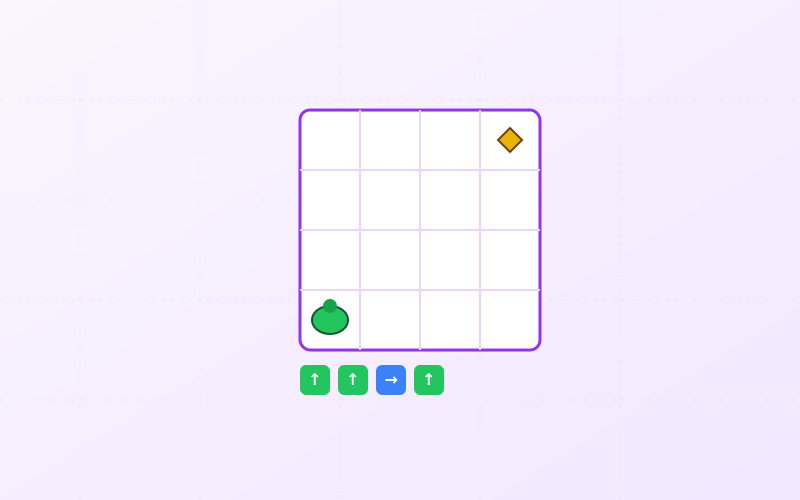
What You Need Before Starting
Assembly & Setup Instructions (5 Steps)
Follow each step in sequence. Encourage your child to participate in measuring, cutting, calibrating, and testing each mechanical and sensorial feature.
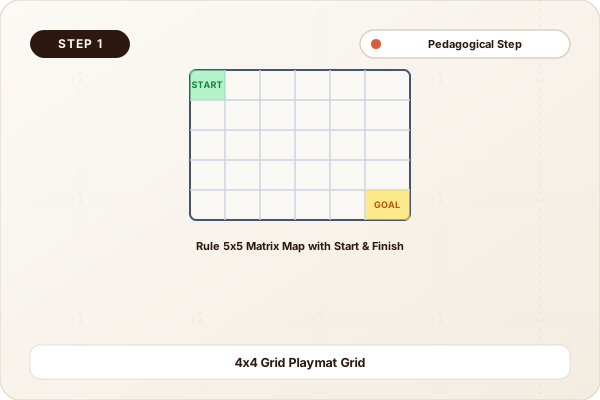
Draw the 5x5 Map Grid Board
Draw a 5x5 grid of 6cm squares on a large cardboard sheet. Label columns 1 to 5 and rows A to E to establish coordinate Cartesian positions.
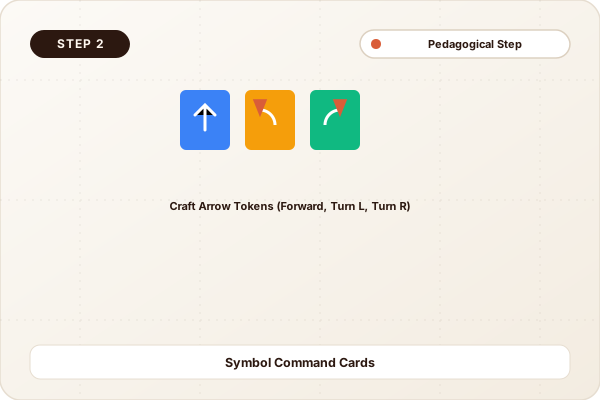
Craft the Directional Coding Command Tokens
Cut 20 square cardboard tiles and draw clear directional symbols: 8x "Move Forward", 4x "Turn Left 90°", 4x "Turn Right 90°", 2x "Repeat 2x", and 2x "Jump Hazard".
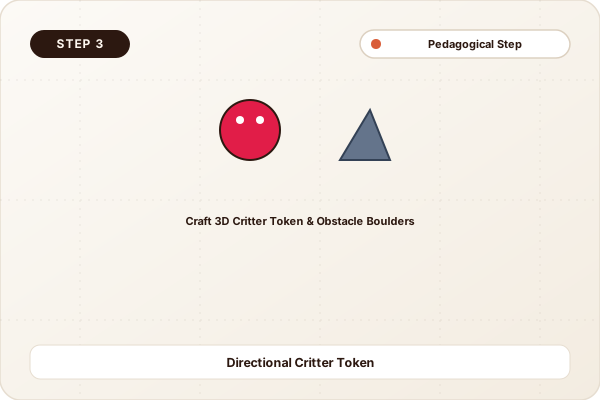
Create the 3D Critter Avatar & Obstacle Blocks
Make a stand-up cardboard critter (like a cute turtle or robot) with a clearly visible front nose/eye direction indicator. Make 4 rock obstacle blocks.
Write the Code Sequence in the "Program Queue"
Place obstacles on the board. Lay out a line of command tiles on the table in order from left to right to build an algorithm that paths around rocks to the treasure.
Execute "Run Code" & Debug Errors
Step the critter through the algorithm one command tile at a time. If the critter bumps into a rock, identify the bugged tile, swap it, and re-run the program!
Computer Science: Algorithms & State Machines
Computers cannot guess intent; they execute precise sequential algorithms line by line. Breaking a route down into discrete commands (Step Forward, Turn 90° Clockwise) teaches computational decomposition and algorithmic thinking.
Debugging is simply identifying the exact tile in an instruction sequence where expected state deviates from actual outcome.
Cognitive Milestones & Skills Developed
Algorithmic Thinking & Sequencing
Writing step-by-step code routines in advance before executing the physical pawn movement.
Spatial Perspective Taking
Mentally rotating into the critter’s orientation to determine whether "Turn Right" means relative to the avatar or the player.
Debugging & Resilient Logic
Stepping through code line by line to locate syntax/logic errors without frustration.
Fun Family Explorations & Logic Games
The Shortest Code Optimization Sprint
Reach the diamond using the fewest total command tiles by substituting repeating steps with a "Repeat 3x" loop card.
Blind Robot Programmer
Player 1 writes the code tiles for a secret hidden maze layout; Player 2 executes the program blind to see if the robot reaches the goal safely.
Parent & Educator Note:
No screens, no apps, no batteries—pure fundamental computer science logic that primes children for algorithmic thinking and robotics.
More Projects in Early STEM & Logic & Beyond
Intermeshing Spur Gear Train & Mechanical Transmission Puzzle
Build an interlocking modular gear train puzzle using corrugated cardboard gears, wooden dowel axles, and crank handles to explore mechanical transmission and speed multiplication.
Conductive Dough & Coin Cell LED Glow Creature
Build glowing electronic monster figures and vehicles using homemade conductive playdough, insulating sugar dough, 3V coin cell batteries, and LED lights.
Acrylic & Cardboard Magnetic Wand Tilt Marble Labyrinth
Construct a dual-layer handheld magnetic marble labyrinth where players navigate a steel ball through tricky cardboard trap doors using a magnetic stylus under the board.